A True Link Visa® Prepaid Card can be closed at any time.
Close a Card
To permanently close a card, take the following steps:
- Navigate to the True Link Card Dashboard for the cardholder whose card you would like to close. If you are unsure how to view the Card Dashboard, please review this Help Center article.
- Once on the True Link Card Dashboard, click on the “Account” tab.
- Select “Permanently close card.”

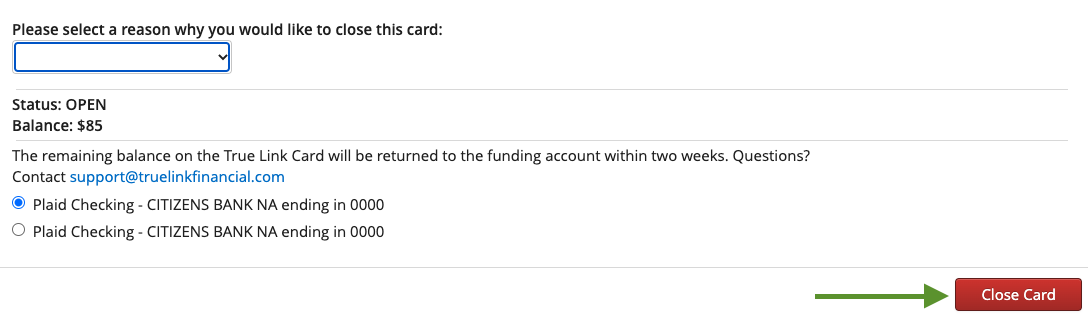
- From the dropdown menu, select a reason you would like to close the card.

- If there is a balance remaining on the card, select how you would like the funds to be returned
- If there is a bank account connected from the "Funding" tab you will have the option to return the funds via ACH. Those funds will be returned within 2 weeks
- To have any remaining balance returned via check, remove any connected bank accounts from the Funding tab by clicking the "Remove bank account" button, prior to closing the card. Once the bank accounts are removed, navigate to the Account tab and click the "Permanently close" button. You will then be prompted to enter the mailing address where you'd like the check sent.

- Select the red “Close Card” button in the right-hand corner of the pop-up window. Once you click this button, the Card will be permanently closed. If the cardholder would like to begin using a True Link Visa Card again, they will need to order a new card.
If you have any questions about closing a card, or if you’d like to inquire about reopening a Card that was closed, please contact our Customer Support team.